 Wasiq Khan

Your website is live, it looks great, and the developer has handed over the keys. So what happens next? This is where many business owners get caught out. A WordPress site needs regular care to stay safe, fast and working, and the question is who does it and what it costs. This guide explains what WordPress maintenance actually includes, what a fair WordPress maintenance cost looks like, and how to choose between doing it yourself and paying for a plan.
Why a WordPress website needs maintenance
WordPress itself, your theme and every plugin you use are updated all the time. Some updates add features, but many fix security holes. When a site isn’t updated, those holes stay open, and automated bots scan the web for exactly those sites day and night.
Most WordPress problems I’m asked to fix aren’t caused by bad luck. They’re caused by neglect:
- A plugin that wasn’t updated for a year becomes the way in for a hacker.
- An update is clicked in a hurry, the site breaks, and there’s no recent backup.
- A contact form quietly stops sending emails, and nobody notices for weeks.
- The site gets slower month by month as images, plugins and old data pile up.
Each of these costs you leads, sales or trust, and fixing them is almost always more expensive than preventing them.
What WordPress maintenance includes
A proper maintenance plan isn’t just “clicking update”. These are the jobs that matter:
1. Safe updates
WordPress core, the theme and plugins are updated regularly, but carefully. A good developer takes a backup first, updates, then checks the key pages, forms and checkout. If something breaks, it’s rolled back before customers notice.
2. Off-site backups
Backups should run automatically and be stored somewhere other than your hosting account. If the server fails or the site is hacked, a backup on that same server may be gone too. Ask how often backups run, how long they are kept, and, most importantly, whether restores are tested.
3. Security monitoring
This covers a firewall, malware scanning, login protection and alerts when something looks wrong. The aim is to stop problems early, not just clean up afterwards.
4. Uptime monitoring
A monitoring tool checks your site every few minutes. If it goes down, you find out straight away, not from a customer days later.
5. Speed and health checks
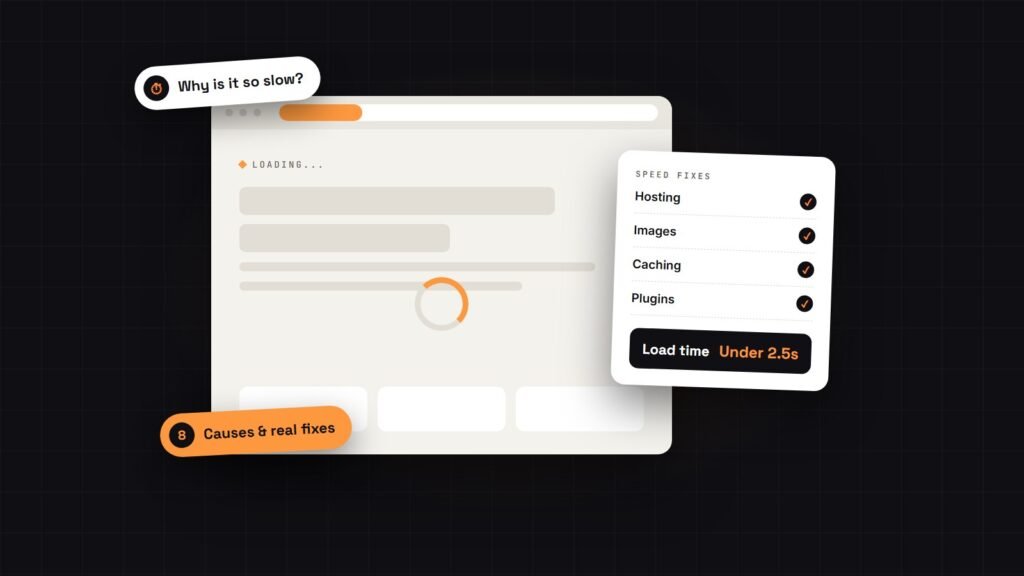
Sites slow down over time. Regular checks catch heavy new images, slow plugins and database bloat before they hurt your Google rankings. If your site already feels sluggish, start with why your WordPress site is slow and how to fix it.
6. Small content edits
Changing opening hours, swapping a photo or adding a new team member shouldn’t need a new quote every time. Most plans include a set amount of edit time each month.
7. A monthly report
You should be able to see what was done: updates installed, backups taken, uptime, security scans and any issues fixed. If you’re paying for maintenance and never hear anything, ask why.
WordPress maintenance cost: typical prices
Prices vary a lot, so here is what you can expect to pay in 2026 for a typical business website:
| Option | Typical cost | Best for |
|---|---|---|
| Do it yourself | $0, plus your time and any premium tools | Simple sites with a confident owner |
| Hosting company add-on | $10 – $50 per month | Basic updates and backups only |
| Freelancer care plan | $49 – $200 per month | Most small and medium businesses |
| Agency retainer | $200 – $1,000+ per month | Large or complex sites with a team |
What moves the price is how much is included. The main factors are how often updates and backups run, how fast support replies, how many edit hours you get, and whether extras like SEO, speed work or online store checks are part of the plan.
What my plans cost
To make it concrete, here are my own website maintenance plans. All are billed monthly, with no long contract:
- Basic Care, $49/month: weekly tested updates, weekly off-site backups, 24/7 uptime monitoring, security hardening and a monthly malware scan, 30 minutes of edits and a monthly health report.
- Care + SEO, $99/month: everything in Basic Care, plus daily backups, Search Console and Analytics monitoring, on-page SEO for up to 5 pages a month and 1 hour of edits.
- Growth Partner, $199/month: for business-critical sites and online stores, with speed monitoring, store checks, malware clean-up included, 3 hours of edits and same-day support.
You can compare them side by side on the pricing page.
Can you do WordPress maintenance yourself?
Yes, if your site is simple and you’re comfortable with it. WordPress has a guide to updating WordPress safely. If you go DIY, stick to a routine:
- Take a full backup and store a copy off the server.
- Update plugins one at a time, then the theme, then WordPress core.
- Check the home page, your main service or product pages, every form and the checkout.
- Delete plugins and themes you no longer use.
- Repeat every week or two, not every few months.
The real cost of DIY is time and risk. If an update breaks your site on a Friday evening, you need to know how to fix it, or know who to call.
When paying for maintenance makes sense
A maintenance plan usually pays for itself if:
- Your website brings in leads, bookings or sales every week.
- You run an online store, where an hour of downtime means lost orders.
- You don’t have the time, or the interest, to check your site every week.
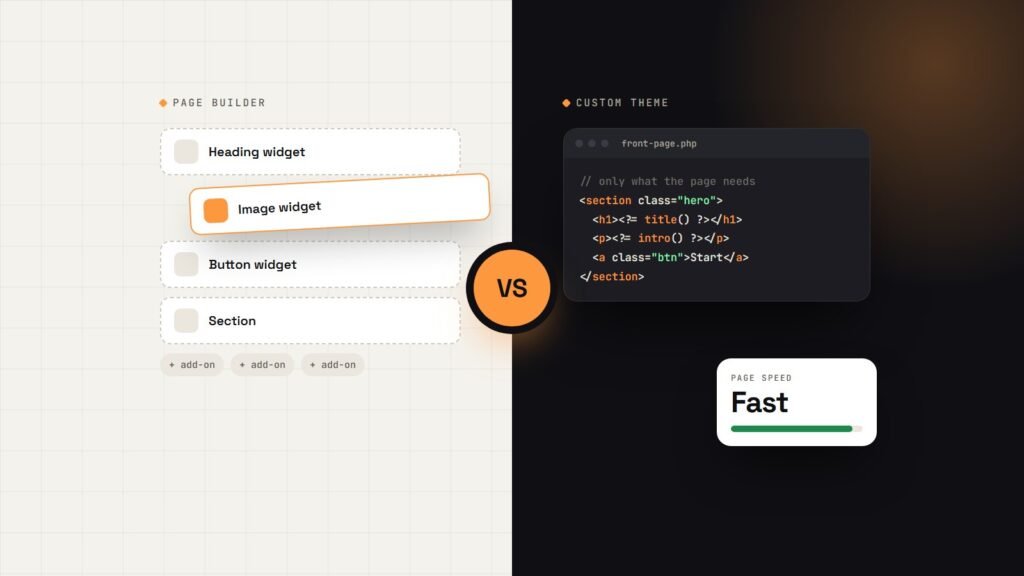
- Your site uses a lot of plugins or a page builder, which means more updates and more that can break.
Compare the monthly fee with the cost of one bad day: a hacked site, a lost week of enquiries, or an emergency clean-up. One emergency often costs more than a year of maintenance.
What to ask before you sign up
- How often are updates done, and are they tested afterwards?
- Where are backups stored, how long are they kept, and have you tested a restore?
- What happens if my site is hacked? Is the clean-up included?
- How fast will you reply, and how do I reach you?
- How many edit hours are included, and what does extra time cost?
- Can I cancel at any time?
Clear answers to these questions tell you more than the price does.
FAQs
How much does WordPress maintenance cost per month?
For most small business websites, expect between $49 and $200 per month with a freelancer, depending on how much is included. Agencies usually charge more. Hosting add-ons are cheaper but often cover only automatic updates and backups.
Is WordPress maintenance really necessary?
Yes, if your site matters to your business. Outdated plugins are one of the most common reasons WordPress sites get hacked or break. Regular updates, backups and monitoring prevent most problems before they start.
Can’t my hosting company do it?
Many hosts offer automatic updates and backups, which is a good start. They usually won’t test your site after updates, fix a broken layout, make content edits or tell you why your site is getting slower.
How often should a WordPress site be updated?
Check for updates every week. Security updates should be installed as soon as possible after they’re released, ideally with a backup taken first.
What if my site was built by someone else?
That’s fine. I start with a health check of the site’s updates, backups, security and speed, fix anything urgent, and then take over the monthly care.
Keep your website safe without thinking about it
You built your website to win business, not to babysit it. If you’d rather have someone else handle the updates, backups and small fixes, my WordPress maintenance plans start at $49 a month, with no long-term contract.
Talk to me about a maintenance plan → or start with a free website audit to see how healthy your site is today.