You click your own website, wait, and watch a blank white screen. If it feels slow to you, it feels slower to a new customer on a phone with weak signal, and most of them will not wait. They go back to Google and click the next result, which is often your competitor.
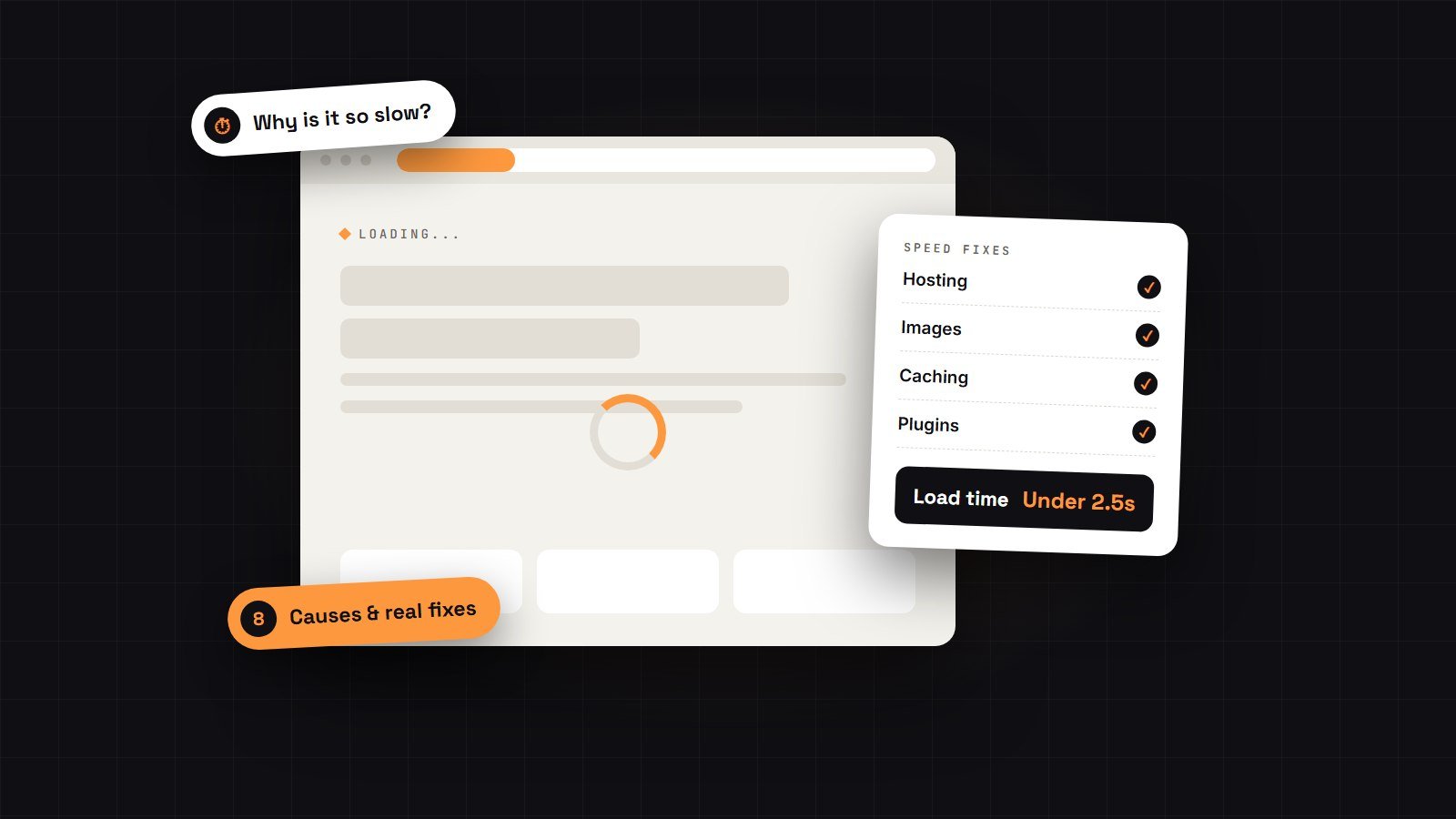
If you’re asking “why is my WordPress site slow?”, the good news is that a slow WordPress site almost always comes down to the same handful of causes, and most of them can be fixed without rebuilding anything. Here are the eight I see most often when businesses ask me why their site is slow, roughly in order of how much they hurt.
First, check how slow it really is
Before you change anything, measure. Open PageSpeed Insights (free, from Google), paste in your home page and one important inner page, such as a service page or a product. Look at two things:
- The mobile score. Google ranks your site mainly on how it performs on phones, so start there.
- Largest Contentful Paint (LCP). This is how long the main part of the page takes to appear. Google wants it under 2.5 seconds.
Write the numbers down. You will want them later to prove the fixes worked.
Why is my WordPress site slow? The 8 most common causes
1. Cheap or overcrowded hosting
Your hosting is the engine of your site. On a budget shared plan, your website shares one server with hundreds of others. When they get busy, you slow down, and no plugin can fix that.
The fix: move to good managed WordPress hosting or a quality shared host with LiteSpeed or NGINX servers and PHP 8.2 or newer. This is often the single biggest improvement, and it usually costs only a few dollars more each month.
2. Huge, unoptimised images
A photo straight from a phone or a stock site can be 4–6 MB. Put five of those on a page and visitors download more than a short video just to see your home page.
The fix: resize images to the size they actually show at, compress them, and serve them in a modern format like WebP. Images below the first screen should “lazy load”, which means they only download when the visitor scrolls to them.
3. A heavy page builder
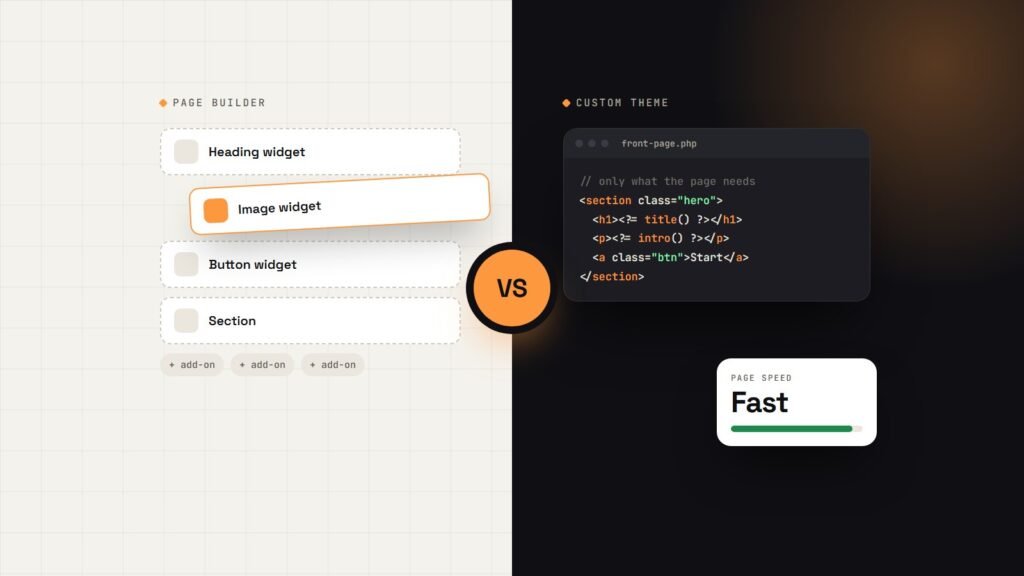
Page builders like Elementor and Divi make editing easy, but they add a lot of extra code to every page. Each section, column and widget brings its own styles and scripts. The result is a site that looks simple but loads like a complicated one.
The fix: turn off builder features you don’t use, and remove unused widgets and add-on packs. If the site is still slow after that, it may be time to think about a lighter build. I compare the two approaches honestly in Elementor vs a custom WordPress theme.
4. Too many plugins (or a few bad ones)
The number of plugins matters less than what they do. One badly built plugin can slow down every page, while twenty small, well-made ones may be fine. Common problems are sliders, social feeds, “all-in-one” toolkits and plugins that load their files on every page even when they’re only used on one.
The fix: list every plugin and ask, “Do I still need this?” Delete the ones you don’t. For the rest, a developer can stop each one loading on pages where it isn’t used.
5. No caching
Without caching, WordPress builds every page from scratch for every visitor, which means database queries, PHP and templates every time. Caching saves a ready-made copy of each page and serves that instead, which is much faster.
The fix: use the caching your host recommends (for example LiteSpeed Cache on LiteSpeed servers) and set it up properly. The default settings rarely give the full benefit.
6. Third-party scripts
Chat widgets, booking embeds, ad pixels, heatmaps, review badges and YouTube videos all load code from other companies’ servers. You can’t control how fast those servers are, and each one adds delay.
The fix: remove any tool you no longer check. Load the rest only where they’re needed, and delay chat widgets and video players until the visitor interacts with the page. A simple video thumbnail that loads the player on click can save several seconds.
7. Web fonts loaded the slow way
Loading four font families in six weights from Google Fonts is surprisingly common. Each one is another file to download before your text looks right.
The fix: use one or two font families, only the weights you need, and host them on your own server. The site will look the same and load faster.
8. Outdated WordPress, PHP and a bloated database
Old versions of PHP (the language WordPress runs on) are much slower than current ones. Years of post revisions, spam comments and leftover data from deleted plugins also make the database work harder.
The fix: keep WordPress, your theme, plugins and PHP up to date, and clean the database a few times a year. This is exactly what a good website maintenance plan takes care of, so the site stays fast after it’s been fixed.
What to fix first
If you only have time for a few changes, this order usually gives the biggest gains for the least effort:
| Priority | Fix | Effort |
|---|---|---|
| 1 | Compress and resize images | Low |
| 2 | Set up caching properly | Low |
| 3 | Remove unused plugins and scripts | Low to medium |
| 4 | Upgrade PHP and update everything | Medium |
| 5 | Move to better hosting | Medium |
| 6 | Slim down or replace the page builder | High |
Always take a full backup before you start, and test your contact forms and checkout afterwards. Speed changes can break things quietly.
Why speed matters for your business
Speed isn’t a vanity score. A slow site costs you in three ways:
- Fewer enquiries and sales. People leave before they see your offer, especially on mobile.
- Lower Google rankings. Page experience is part of how Google ranks pages. When two pages are equally relevant, the faster one has the edge.
- Wasted ad spend. If you pay for clicks, every visitor who leaves while the page loads is money gone.
A slow site is also one of the clearest signs your website needs a redesign. Often, though, you don’t need a redesign at all, just the right fixes.
When to get help
Images, unused plugins and basic caching are things many owners can handle themselves. Hosting moves, script loading, PHP upgrades and page-builder clean-up are where things can go wrong, and where an experienced developer saves you time and risk.
My WordPress speed optimisation service starts from $149. I measure your site first, fix the real causes rather than just installing another plugin, and send you before-and-after results so you can see the difference.
FAQs
What is a good load time for a WordPress site?
Aim for the main content to appear in under 2.5 seconds on mobile, which is Google’s “good” threshold for Largest Contentful Paint. Most well-built business sites can reach this.
Will a caching plugin fix my slow site?
It helps, often a lot, but it can’t fix slow hosting, huge images or heavy scripts. Caching makes a well-built site faster. It doesn’t make a badly built one fast.
Is Elementor making my site slow?
It can be part of the problem, especially with many add-ons and complex layouts. A careful clean-up often makes a big difference. If it doesn’t, a lighter custom theme is the long-term fix.
How long does speed optimisation take?
Most small business sites take one to three working days, depending on the site’s size and what’s causing the slowdown. Online stores can take a little longer because the checkout needs careful testing.
Will speeding up my site improve my Google rankings?
Speed is one ranking factor among many, so it won’t rank a weak page on its own. It does help good pages compete, and it almost always improves how many visitors stay and get in touch.
Find out what’s slowing your site down
Not sure which of these eight is your problem? Ask for a free website audit. I’ll check your site’s speed, show you the main causes in plain English, and tell you what’s worth fixing first. There’s no pressure to buy anything.
Get your free audit → or contact me if you’d like the fixes done for you.

Written by Wasiq Khan
Web developer & AI automation specialist helping businesses launch fast websites and automate the busywork.
Work with me